“How to Use Descript AI to Make Engaging Explainer Videos”
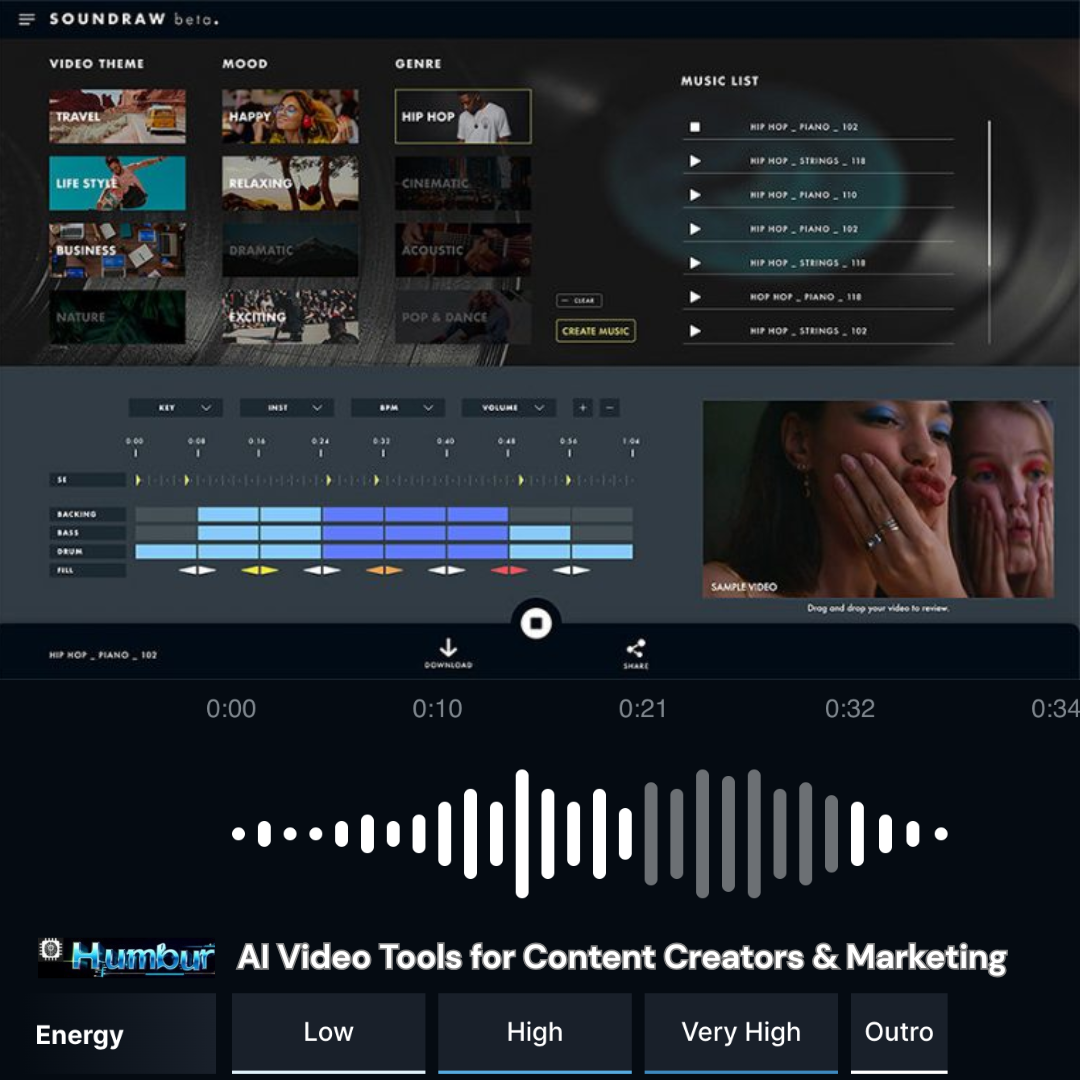
Creating engaging explainer videos doesn’t have to be complicated when you use Descript AI. Descript makes the entire process surprisingly easy, even for beginners, by combining transcription, screen recording, and intuitive text-based editing in one platform. Instead of struggling with clunky timelines and expensive software, you can record your voiceover, screen, or webcam right inside Descript, then edit your video simply by editing the text just like working on a document. Descripts powerful AI features help you polish your audio, remove filler words or silences, and even generate realistic voiceovers with Overdub. This makes it ideal for turning complex ideas into short, clear videos that keep your audience’s attention. Whether you’re explaining a technical process, pitching a product, or teaching an online class, Descript AI helps you focus on telling your story without the usual editing headaches so you can create professional-quality explainer videos in a fraction of the time.
In a world where attention spans are shrinking, explainer videos have become a go to tool for marketers, educators, startups, and content creators who want to break down complex ideas into simple, digestible visuals. But creating polished, professional explainer videos used to mean hiring expensive production teams or spending countless hours learning video editing software. Enter Descript an AI powered audio and video editing tool that makes the entire process faster, smarter, and surprisingly easy, even for beginners. In this guide, we’ll walk you through how to use Descript AI to make clear, concise, and engaging explainer videos that keep your audience hooked whether you’re clarifying a technical process, pitching a product, or teaching a tricky concept.

What is Descript, and Why Use It for Explainer Videos?
Descript is an all in one tool that combines transcription, screen recording, audio editing, video editing, and AI powered features like Overdub (realistic voice cloning) and filler word removal. What makes Descript stand out is its unique text based editing. Instead of scrubbing through timelines for hours, you edit your audio or video like a Word document. For explainer videos, this is a game changer. You can:
Script your narration directly in the app.
Record your screen and webcam.
Add voiceovers with your real voice or an AI clone.
Instantly remove filler words, awkward silences, and mistakes.
Add captions, images, and animations in a few clicks.
It’s a time saver that helps you stay focused on telling your story, not wrestling with complicated editing software.
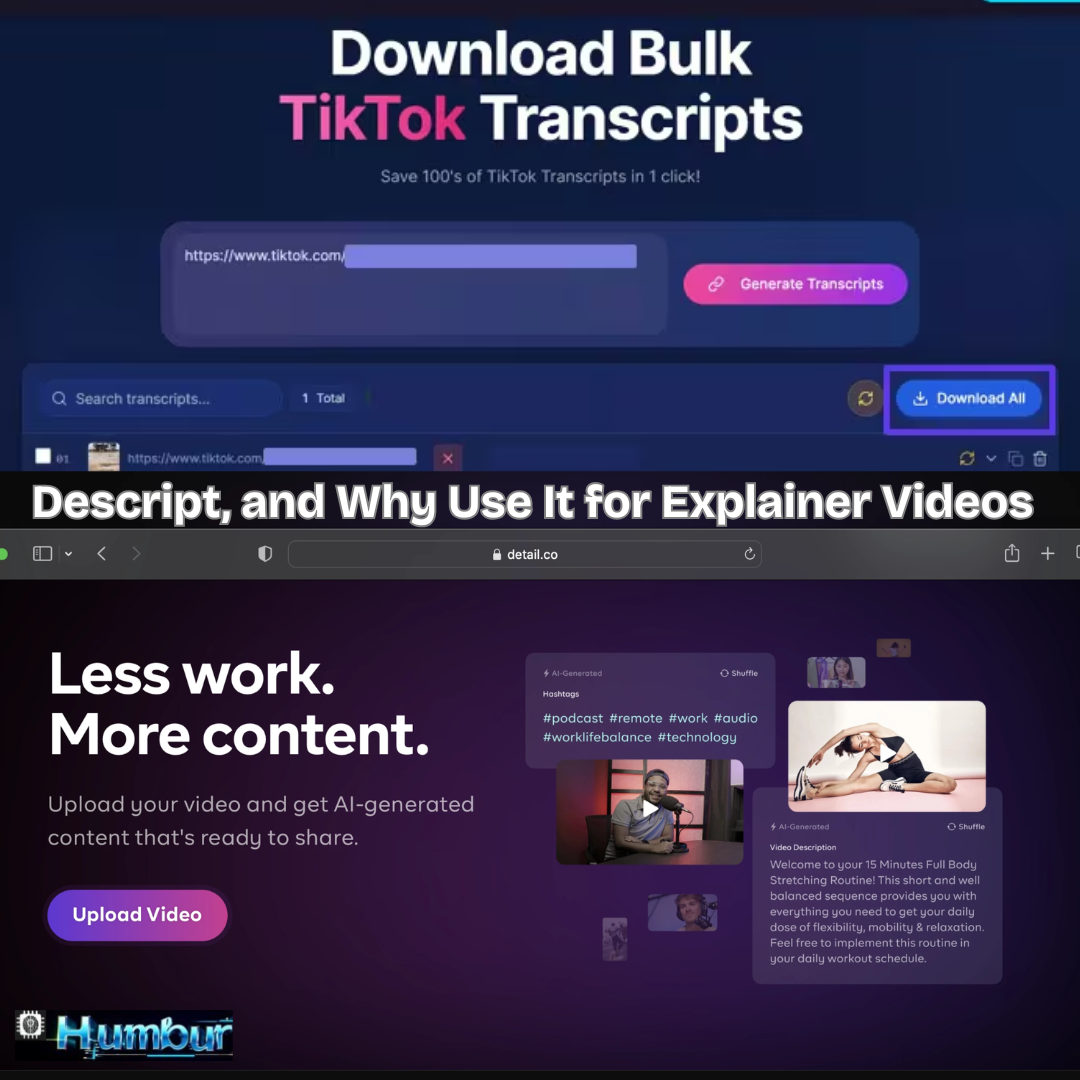
Text Based Editing
Text-based editing is a modern approach to audio and video editing that allows you to work with your content just like you would edit a document. Instead of scrubbing through long timelines and manually cutting clips, you simply edit the transcribed text, and the software automatically makes those changes to the audio or video. This method saves time, reduces the technical learning curve, and makes editing much more intuitive especially for beginners or people who need to produce clear, polished content quickly. Tools like Descript have popularized text-based editing by combining AI transcription with smart editing features, making it easy to remove mistakes, filler words, or awkward pauses with just a few clicks.
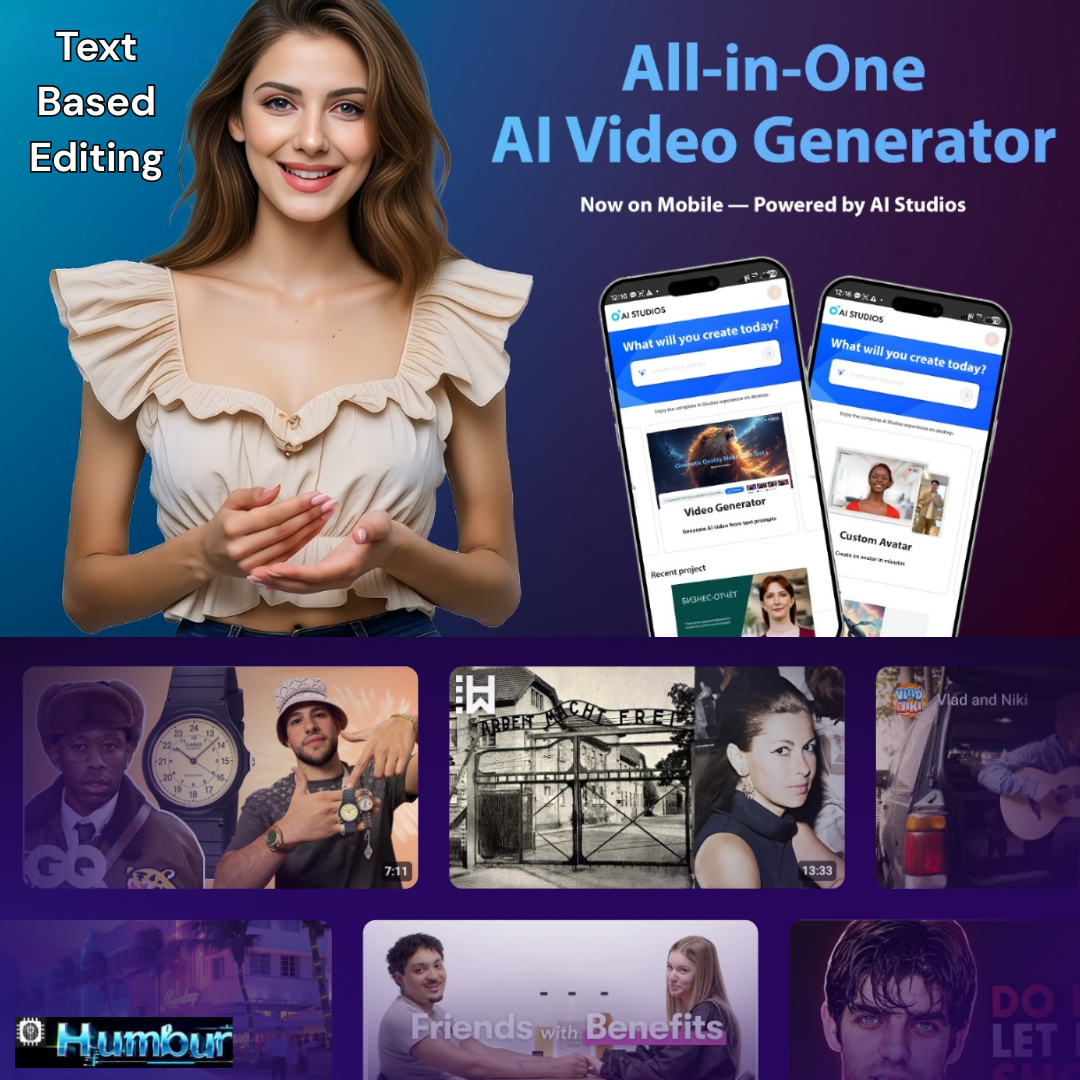
Speech Editor
A speech editor is a digital tool designed to help you refine and perfect spoken content, whether it’s for a podcast, explainer video, presentation, or voiceover. Unlike traditional audio editors that rely heavily on complex waveforms and timelines, a modern speech editor often uses AI powered transcription to turn your audio into editable text. This means you can cut out mistakes, filler words, or awkward pauses simply by editing the text just like you would in a word processor. A good speech editor can also enhance audio quality, adjust pacing, and even generate realistic voiceovers using AI. Tools like Descript have made speech editing faster, easier, and more accessible for anyone who wants to create clear, professional-sounding spoken content without needing advanced audio engineering skills.
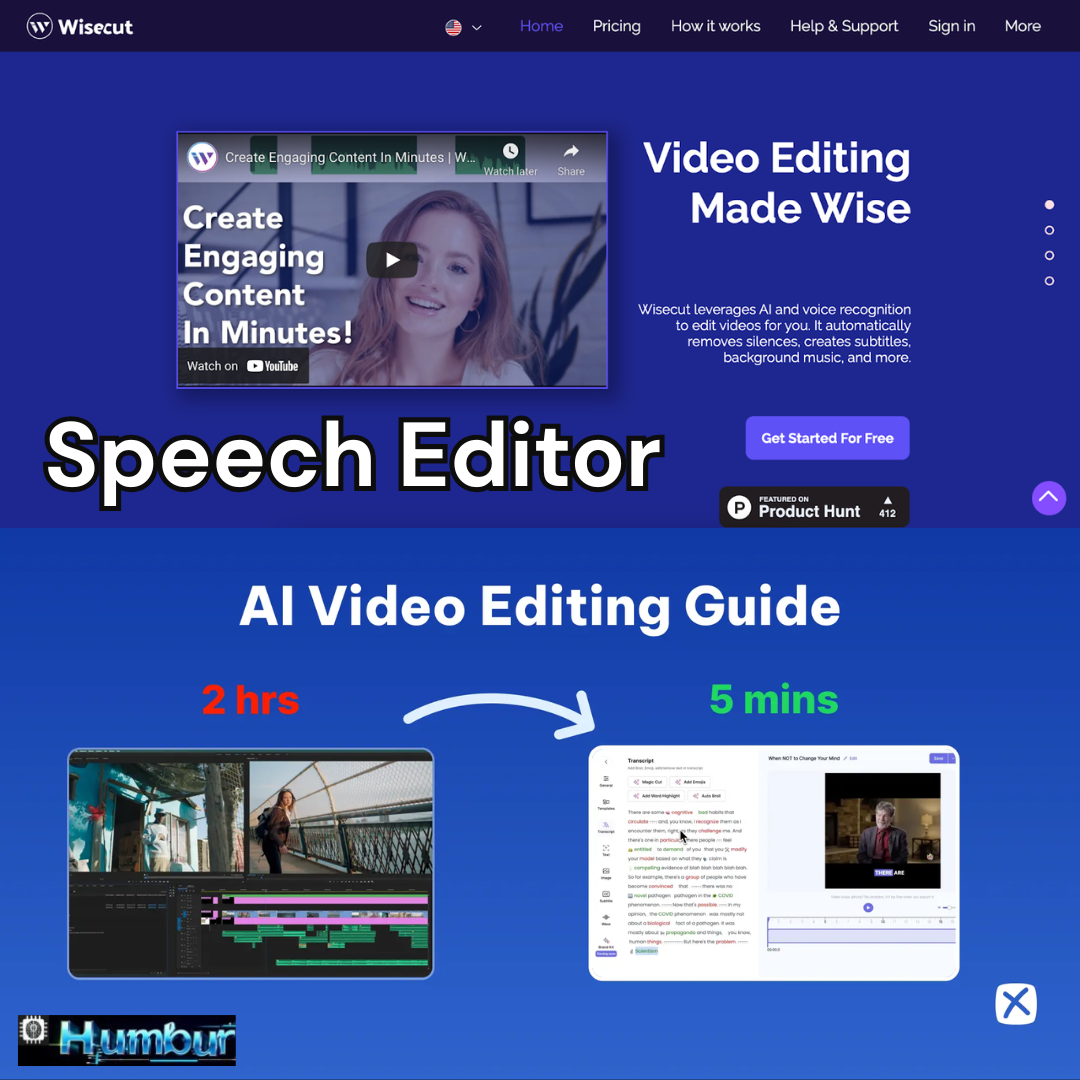
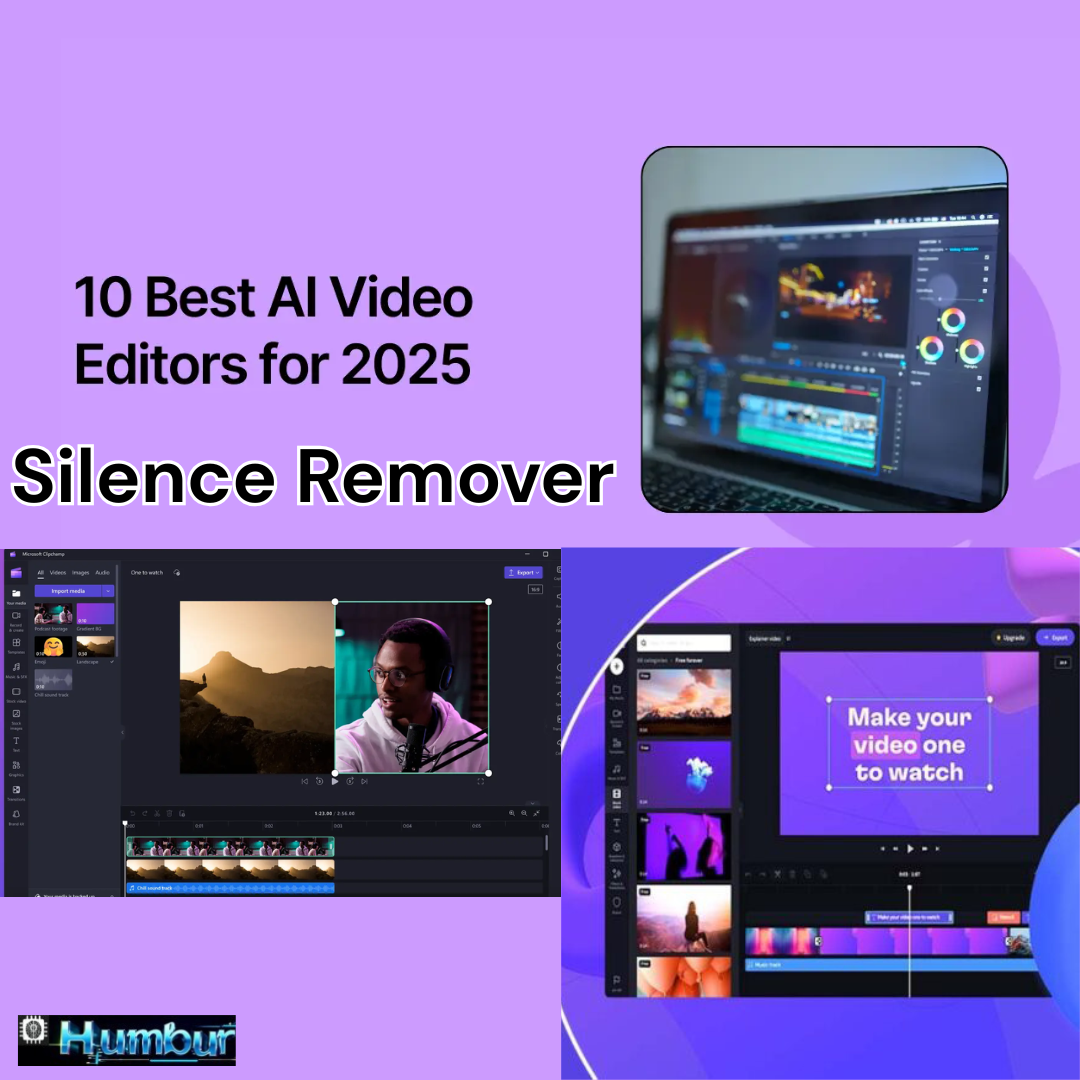
Silence Remover
A silence remover is a smart editing tool used to automatically detect and delete long or awkward pauses in audio or video recordings. This feature is especially useful for podcasts, interviews, voiceovers, or explainer videos where unnecessary silence can make the content feel slow or unprofessional. Instead of manually listening through the entire recording to find dead air, a silence remover scans the audio, identifies sections with no meaningful sound, and trims them out instantly. This results in a smoother, more engaging final product that keeps your audience’s attention. Tools like Descript include a built-in silence remover, making it easy for creators to polish their recordings with just a few clicks saving time and improving the overall flow of their content.
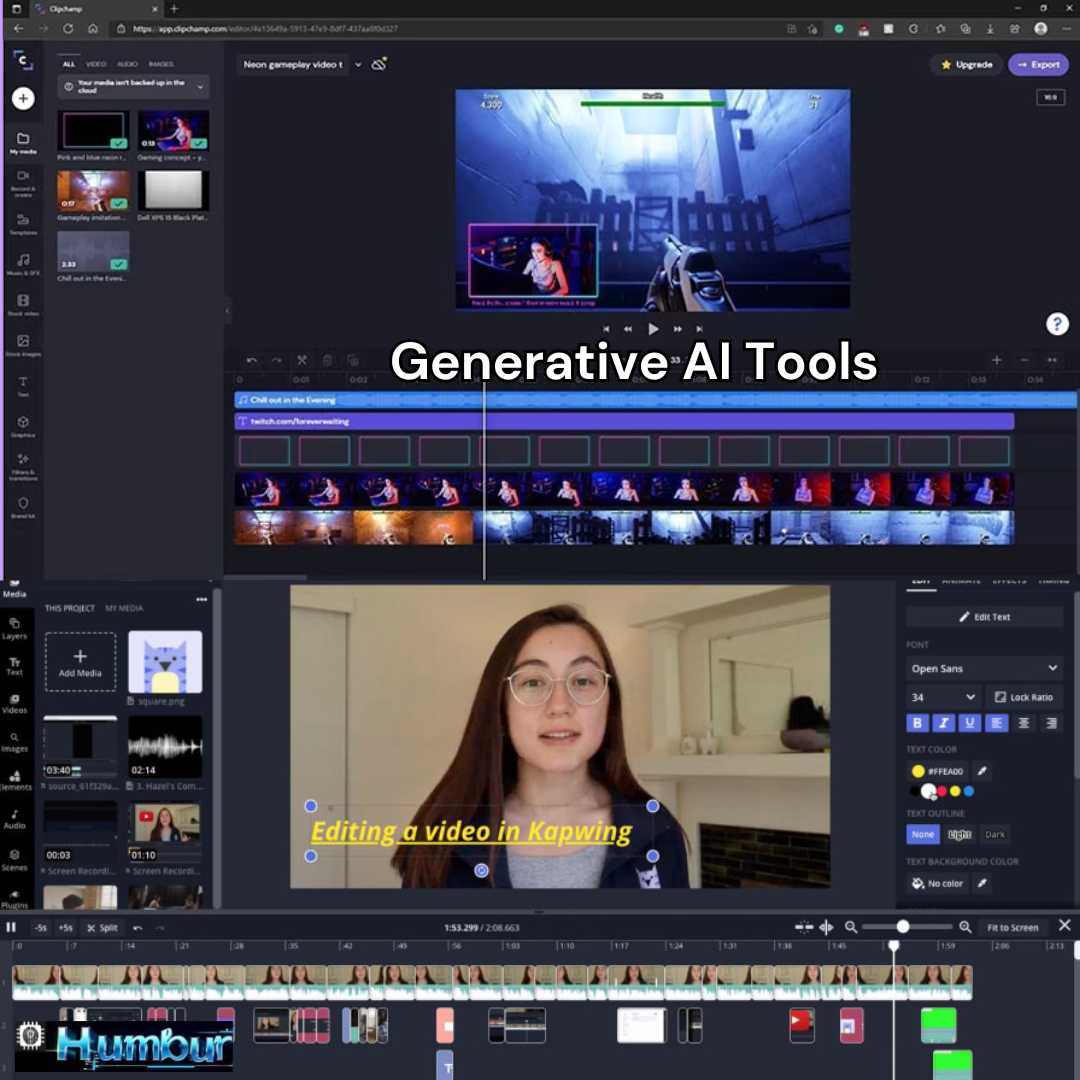
Generative AI Tools
Generative AI tools are rapidly transforming the way we create content, solve problems, and bring ideas to life. These advanced tools use powerful machine learning models to generate text, images, audio, video, code, and even entire virtual experiences based on simple prompts or data inputs from the user. For example, writers can use generative AI to draft articles, scripts, or social media posts in seconds, while designers can create stunning visuals or logos without needing extensive graphic design skills. In the audio and video world, tools like Descript leverage generative AI to produce realistic voiceovers, remove filler words, and even clone a person’s voice for seamless edits making professional-quality production accessible to anyone. Beyond content creation, generative AI tools are being used in fields like healthcare, education, game development, and marketing to brainstorm new ideas, test scenarios, and automate repetitive tasks
. While these tools open up incredible creative possibilities and can save countless hours of manual work, they also raise important questions about originality, ethics, and the balance between human input and machine generated output. When used thoughtfully, generative AI can be an empowering co-pilot that amplifies our abilities, sparks innovation, and helps us focus more on strategy and storytelling rather than getting stuck in tedious production processes. As technology continues to evolve, generative AI tools will likely become even more intuitive and versatile, changing how we approach creativity and problem-solving in almost every industry.
Content Creation
Content creation is the process of producing and sharing valuable information, ideas, or entertainment in various formats, such as articles, videos, podcasts, infographics, or social media posts. Whether you’re an individual, a brand, or a business, content creation is one of the most effective ways to connect with your audience, build trust, and communicate your message. In today’s digital world, people crave fresh, relevant, and engaging content that answers their questions, solves their problems, or simply entertains them. Modern tools including AI powered writing assistants, video editors like Descript, and design platforms have made content creation more accessible than ever, allowing anyone to create professional-quality material without needing advanced technical skills. Great content starts with understanding your audience, choosing the right format and platform, and delivering information in a clear, authentic voice. Whether you’re crafting a blog post, filming an explainer video, or designing an eye-catching graphic, effective content creation is all about combining creativity, strategy, and consistency to keep people coming back for more.
Business & Marketing
Business and marketing go hand in hand when it comes to building a strong brand, attracting customers, and driving sustainable growth. At its core, business is about offering products or services that solve real problems or fulfill specific needs but without effective marketing, even the best ideas can go unnoticed. Marketing is the strategic process of understanding your target audience, crafting the right message, and delivering it through the channels where your customers spend their time. Today’s marketing landscape is more dynamic than ever, blending traditional methods like print ads and word-of-mouth with modern digital strategies such as social media, content marketing, SEO, and paid advertising. For any business, large or small, successful marketing means standing out in a crowded market by telling your story in an authentic and compelling way. It’s not just about selling it’s about building trust, nurturing relationships, and adding real value to people’s lives. When business and marketing work together effectively, they create a strong foundation for long term success, growth, and customer loyalty in an ever-changing world.

Education
Education is one of the most powerful tools we have to shape individuals, communities, and entire societies. At its heart, education is not just about memorizing facts or passing exams it’s about inspiring curiosity, encouraging critical thinking, and giving people the skills they need to navigate the world with confidence. Whether it happens in a classroom, online, through hands-on training, or everyday life experiences, quality education opens doors to new opportunities and helps people reach their full potential. In today’s rapidly changing world, education is evolving, with technology playing a huge role in making learning more flexible, engaging, and accessible to people everywhere. From interactive online courses to AI powered tutoring and digital tools like Descript for creating educational videos, there are endless ways to make complex ideas clearer and easier to understand. Ultimately, education is a lifelong journey it doesn’t end with a diploma but continues as we grow, adapt, and share what we know with others.

Magic AI Edit
Magic AI Edit is a term often used to describe smart, AI-powered editing tools that make the process of polishing videos, audio, or written content faster and almost effortless. Instead of spending hours tweaking every little detail manually, these tools use advanced algorithms to automatically detect and fix common issues like background noise, awkward silences, filler words, or even poor lighting in videos. For example, platforms like Descript offer features that feel like “magic” you can remove filler words or silences with one click, generate realistic voiceovers, or edit audio just by editing the text transcript. This kind of AI editing is a game-changer for content creators, podcasters, marketers, and educators who want professional-quality results without needing advanced technical skills. By letting AI handle the repetitive, time consuming parts of editing, Magic AI Edit frees you up to focus on your message, creativity, and storytelling n so you can deliver polished, engaging content in a fraction of the time.

Generated Notes Language
Generated notes language refers to written content that is automatically created by AI tools to summarize, highlight, or organize information from meetings, lectures, videos, or audio recordings. Instead of manually jotting down every detail, AI powered note taking tools listen to spoken words, transcribe them, and then generate clear, structured notes in natural, readable language. This technology is especially helpful for students, professionals, and teams who want to save time and ensure that no important point is missed. Tools like Descript, Otter.ai, or Notion AI can transform hours of conversations into concise summaries, action items, or bullet points with just a few clicks. The language of generated notes is designed to be simple, clear, and easy to scan, so you can quickly grasp key ideas without digging through raw transcripts. In short, generated notes language helps turn overwhelming information into organized insights, making learning, collaboration, and decision making more efficient than ever.

Step 1: Plan Your Explainer Video
Before you even open Descript, take some time to plan:
Define your goal: What do you want your audience to understand or do after watching?
Know your audience: Are you explaining a technical topic to beginners or providing an overview to stakeholders?
Break it down: Complex topics are best explained step by step. Think visuals, examples, and analogies.
Draft a simple script: Write your narration as if you’re explaining it to a friend. Keep sentences short and clear.
This prep work will save you a lot of time when you get to the editing stage.
Step 2: Record Your Voiceover or Use Overdub
Descripts AI shines when it comes to voiceovers. You have two options:
Record Yourself
-
Open Descript and create a new project.
-
Click on “Record” to capture your audio directly in the app.
-
Use a good microphone if possible clear audio is crucial for an explainer video.
Or Use Overdub (AI Voice Cloning)
If you’d rather not record every time, Descripts Overdub lets you create an AI version of your own voice (or choose one from their stock voices).
-
Train your Overdub voice (you’ll need to read a script to help the AI learn your speech pattern).
-
Type your script, and Overdub will generate realistic audio.
-
Adjust pacing, pronunciation, or inflection if needed.
Overdub is great for making quick changes without re-recording everything a lifesaver for last-minute edits.
Step 3: Record Your Screen and Webcam
Most explainer videos benefit from screen recordings, especially if you’re demonstrating software, processes, or presentations.
-
Click “Record” and select “Screen Recording.”
-
Choose whether to capture your full screen or just an app window.
-
Add your webcam to personalize the video audiences love seeing a face!
-
Do a quick test run to ensure audio levels and visuals are clear.
Tip: Keep your desktop tidy and close any unrelated apps or notifications before recording.
Step 4: Edit Like You’re Working in a Document
Now comes the fun part: editing your video in Descript. Here’s where the text-based interface saves you hours.
Remove Mistakes Instantly
Descript automatically transcribes your audio.
Delete words or sentences in the text the corresponding audio/video is cut too.
Use the “Filler Word Removal” tool to get rid of “um,” “uh,” and awkward pauses with one click.
Arrange and Add Visuals
Drag and drop clips to reorder sections.
Add images, text slides, or screen captures to illustrate key points.
Use stock footage or B-roll if it adds context.
Enhance Engagement
Add animated text captions for accessibility.
Use arrows, highlights, or zoom-ins to draw attention to important details.
Include your logo or branding elements to make your video look professional.
Step 5: Polish with AI Tools
Descripts AI-powered features can elevate your video from good to great:
Studio Sound: Clean up your audio with one click, removing background noise and echo.
Eye Contact: This beta feature adjusts your eye line so it looks like you’re always looking at the camera.
Screen Effects: Use subtle transitions and animations to make your screen recordings more dynamic.
Don’t go overboard too many flashy effects can distract from your message.
Step 6: Export and Share Your Explainer Video
Once you’re happy with your video:
-
Click “Publish” to share a web link directly from Descript (great for internal teams or drafts).
-
Or export your video file in HD and upload it to YouTube, Vimeo, your website, or any social media platform.
-
Add a clear title, description, and call-to-action so viewers know what to do next.
Tips for Making Explainer Videos That Stick
Keep it short: Aim for 60 to 90 seconds if possible. Viewers tune out fast.
Focus on clarity: Use simple language, visuals, and examples.
Use captions: Many people watch videos with the sound off, especially on social media.
Test and tweak: Show your video to a few people before publishing. Fresh eyes catch confusing parts you might miss.
Repurpose: Turn your explainer video into a blog post, presentation, or social media clips to get more mileage.
Final Thoughts
Descript has democratized video editing in a way that empowers anyone marketer, teacher, entrepreneur, or student to make high quality explainer videos without the steep learning curve. By combining AI tools with an intuitive, text-based editor, Descript lets you focus on what really matters: telling your story in a way that connects with your audience. So, if you’ve been putting off that explainer video because it felt too complicated, now’s the time to give it a try. With Descript, your big ideas can become clear, concise, and ready to share with the world no fancy production crew required. Ready to simplify your storytelling? Download Descript, draft your first script, and see how easy it is to bring complex ideas to life one explainer video at a time.


You May Also Like

Character. AI : Young People Turning to AI Therapist Bots.

Latest AI News Business Future of Work 2025.